How do I purchase NFTs on Polygon?
Polygon is a blockchain that provides scalable, secure, and instant transactions with Ethereum currencies like ETH, USDC, and DAI.
There are many advantages to buying NFTs on the Polygon blockchain, including:
-
There are no more costly wallet initialization fees
-
Selling and buying NFTs is gas free
-
Gas fees are only required when transferring ETH funds to the Polygon network
Buying an NFT on Polygon requires using Polygon ETH. In order to spend your Ethereum currencies on Polygon, you must first bridge them across to the Polygon blockchain.
How to buy NFTs on Polygon
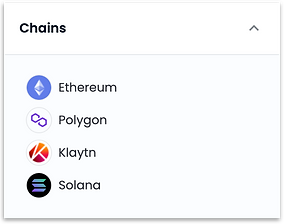
To find items on Polygon, check Polygon under the Chains section on the left panel when browsing NFT items.
Buying NFTs on Polygon is just like buying NFTs on the Ethereum mainnet. Once you've found your item, click the Buy now button.
If this is your first time purchasing an item on Polygon, you'll be asked to unlock Polygon trading on your wallet. This only needs to be done once.
How do I transfer ETH from Ethereum to Polygon?
Polygon is a blockchain that provides scalable, secure, and instant transactions with Ethereum currencies such as ETH, USDC, and DAI.
In order to spend your Ethereum currencies on Polygon, you must first bridge them from the Ethereum network (ETH) to the Polygon network (PoS).
This guide assumes you already have some ETH in your account.
Bridging ETH onto Polygon
-
Navigate to the top right of the OpenSea website and click the wallet icon.
-
Click the three-dot menu for Ethereum and select Bridge to Polygon.
-
In the pop-up window, enter how much ETH you would like to bridge onto Polygon.
-
You'll be prompted to sign a transaction on your crypto wallet.
-
Once you've signed the transaction and it's completed, you should see a confirmation.
-
The bridging process from Ethereum to Polygon takes a few minutes. Once it's complete, you'll see a purple ETH icon representing your bridged ETH on Polygon (PoS).
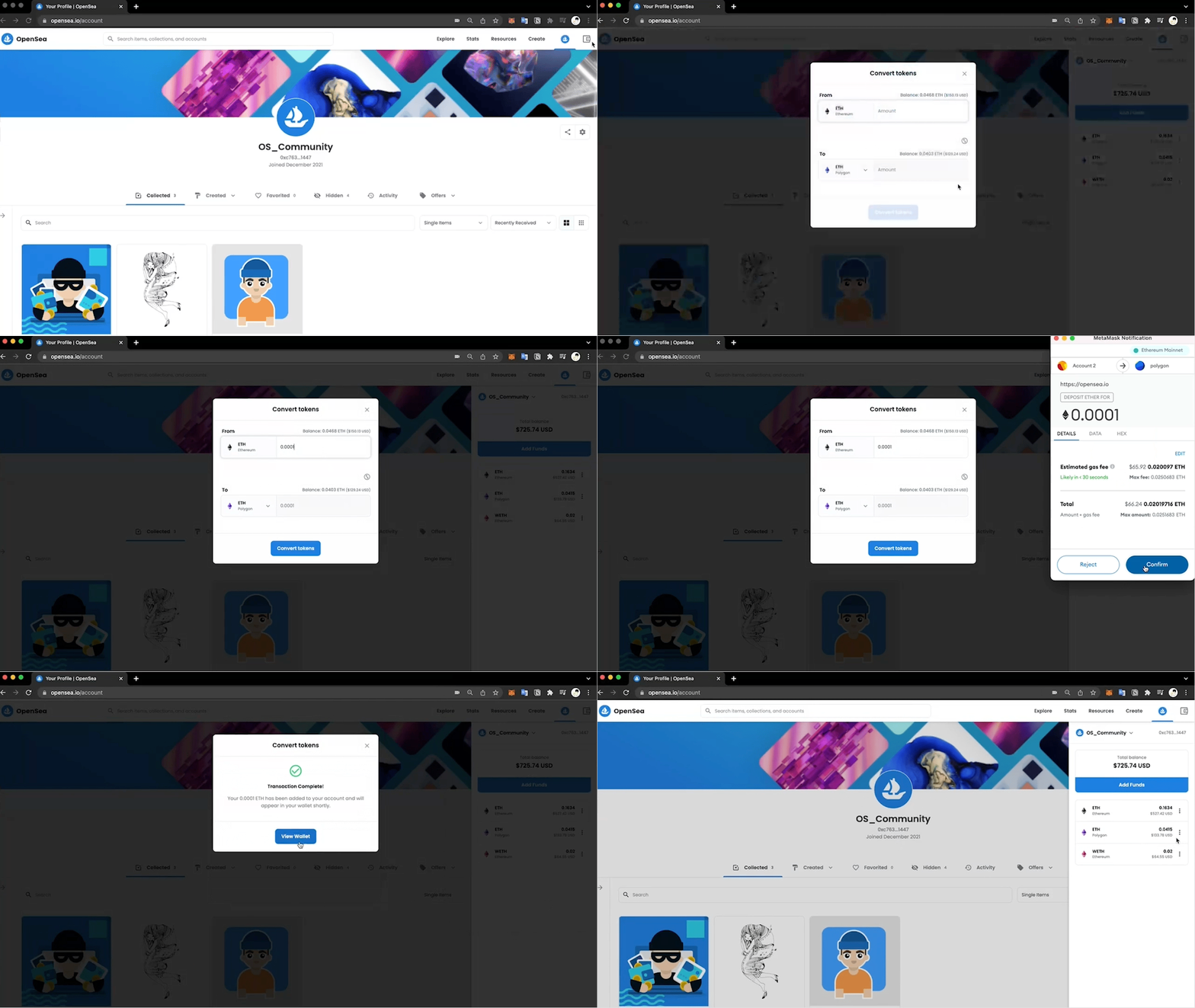
Here's a screen capture of the same process:
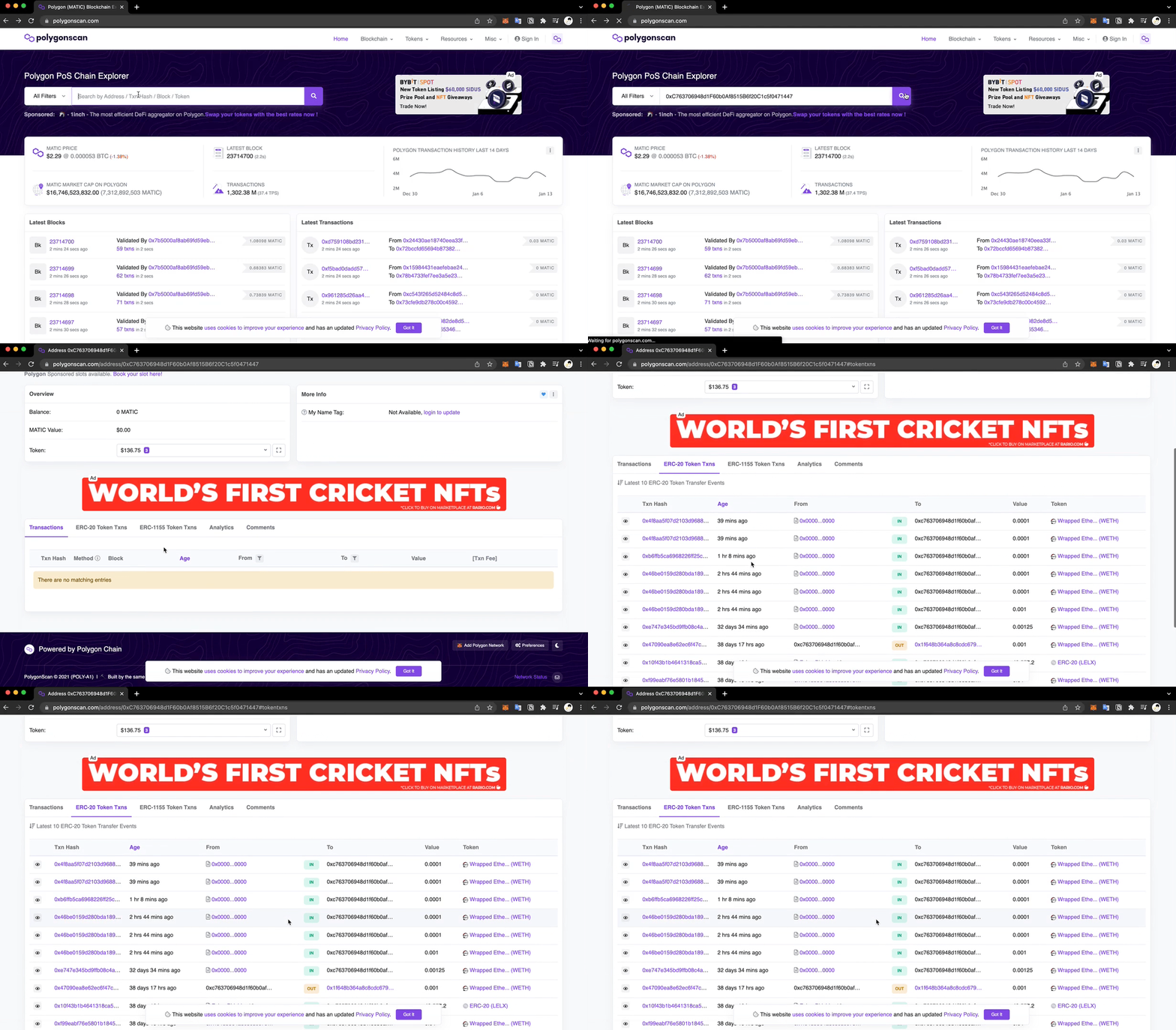
For additional confirmation of your bridged funds, you can search for your wallet address on Polygonscan and check the tab for ERC-20 Token Transfers.